
Your whole day, in your pocket.
Every engineer sees their own run — today's jobs, the route, customer and site details, checklists (Essentials and up), photos and sign-off — right on their phone. The office sees it update live. No paper, no "which job was that?", no end-of-day pile of notes.
Available today: the field view runs in any phone browser — open it once, add it to your home screen, and it works just like an app. Native iOS & Android apps are on the way.
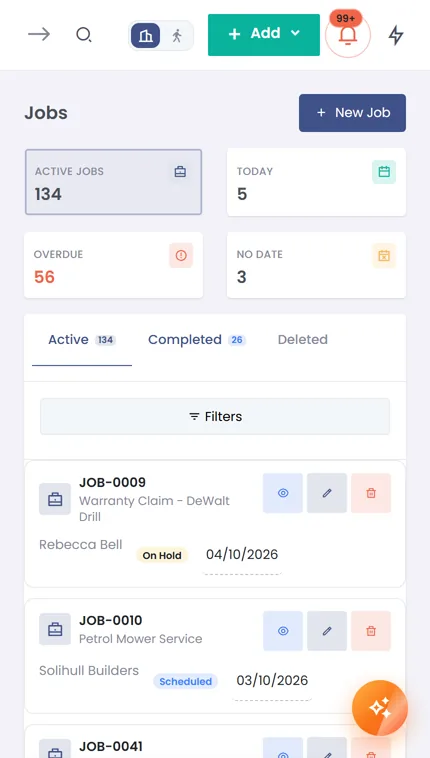
Everything the engineer needs — nothing they don't
Built for a busy pair of hands on a doorstep, not a desk. Big taps, clear jobs, no clutter.
Today's jobs & route
The day laid out in order — each job with its time, address and what needs doing. Tap through from one to the next.
Customer & site details
The right address, gate codes and access notes, the contact to call, and the history of what's been done here before.
Job checklists (Essentials and up)
The steps for this job, ticked off on site — so nothing gets missed and the office knows it was done properly.
Photos on the job
Snap the fault, the finished work, the meter reading — attached to the job, visible back at the office instantly.
Signed completion sheets
Capture the customer's signature on the phone the moment the work's signed off — proof of completion, no paper.
Clock in & out
Start and finish times logged from the phone, straight into time tracking — accurate hours without a timesheet.
"On my way" texts (Essentials and up, via your own Twilio account)
One tap tells the customer you're en route — fewer missed visits, fewer "what time?" calls to the office.
Live updates
Reassign a job or move a time and it appears on the engineer's phone. The office and the field never fall out of step.
Just their work
Engineers see their own jobs and customers — not the whole company. Clean, focused, and permission-controlled.
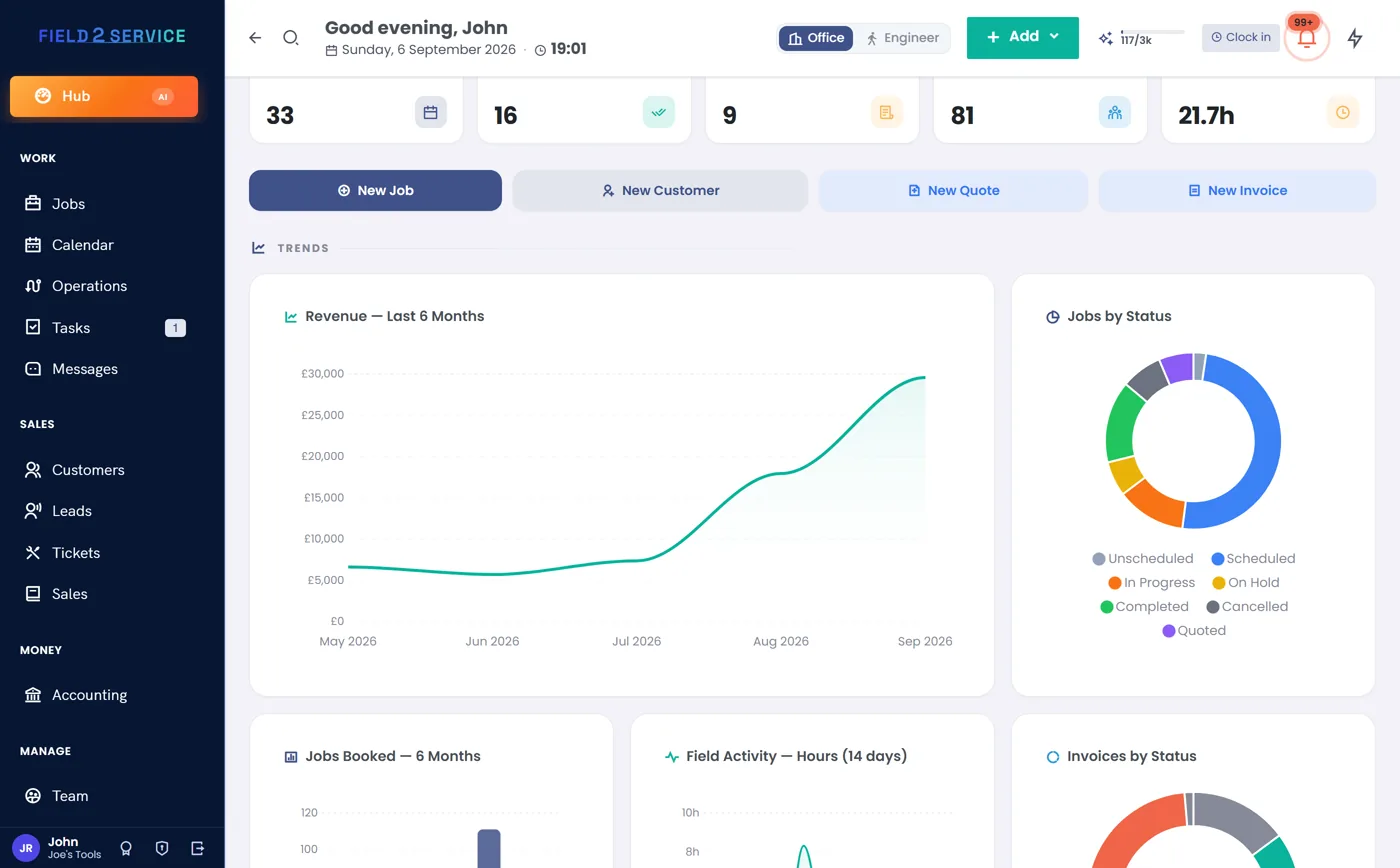
What happens on site lands in the office instantly
The Field App isn't a separate system — it's the same Field 2 Service your office runs, just the engineer's view of it. A job completed, a photo added, a signature captured or a clock-out on the doorstep updates the Hub, the invoice and the customer's record straight away.
- Complete a job → the office can invoice it immediately
- Capture a signature → it's on the completion sheet and PDF
- Clock out → the hours are in time tracking
How to get it today
You don't have to wait for the app stores to put Field 2 Service in your engineers' hands.
Open it in the browser
Each engineer logs in to Field 2 Service on their phone — any modern iPhone or Android browser. Nothing to download.
Add to home screen
Save it to the home screen and it opens full-screen with its own icon, just like a native app.
Native apps, coming soon
Dedicated iOS & Android apps are in development. Start a trial now and you'll be first to know when they land.
Put Field 2 Service in every engineer's pocket
Try the whole system — office and field — free for 14 days. No credit card required.
Get startedAlready a customer? Open the field view.