
Run patio and wall builds day by day
From the design quote and the job deposit to the last flag pointed and the signed sign-off, Field 2 Service keeps every patio and retaining-wall build on programme — and keeps the cash coming in as the job goes on, not weeks after.
✓ No card required · ✓ Invoiced by bank transfer
Sound like your build season?
A patio and wall is days of graft and thousands in stone — small slips in the process cost real money.
Thousands in stone up front
Slabs, blocks, sub-base and aggregate run into serious money before a single flag is laid. Without a deposit, your cash is funding the customer's garden.
Builds sprawl across weeks
A patio and wall is days of groundwork, and running several at once on a paper diary means a crew is always turning up to the wrong site.
One invoice, weeks later
Bill the whole job only at the end and you've bankrolled a fortnight of labour and materials — a payment on account at the base stage would have kept cash coming in.
Quote the patio, protect the stone order
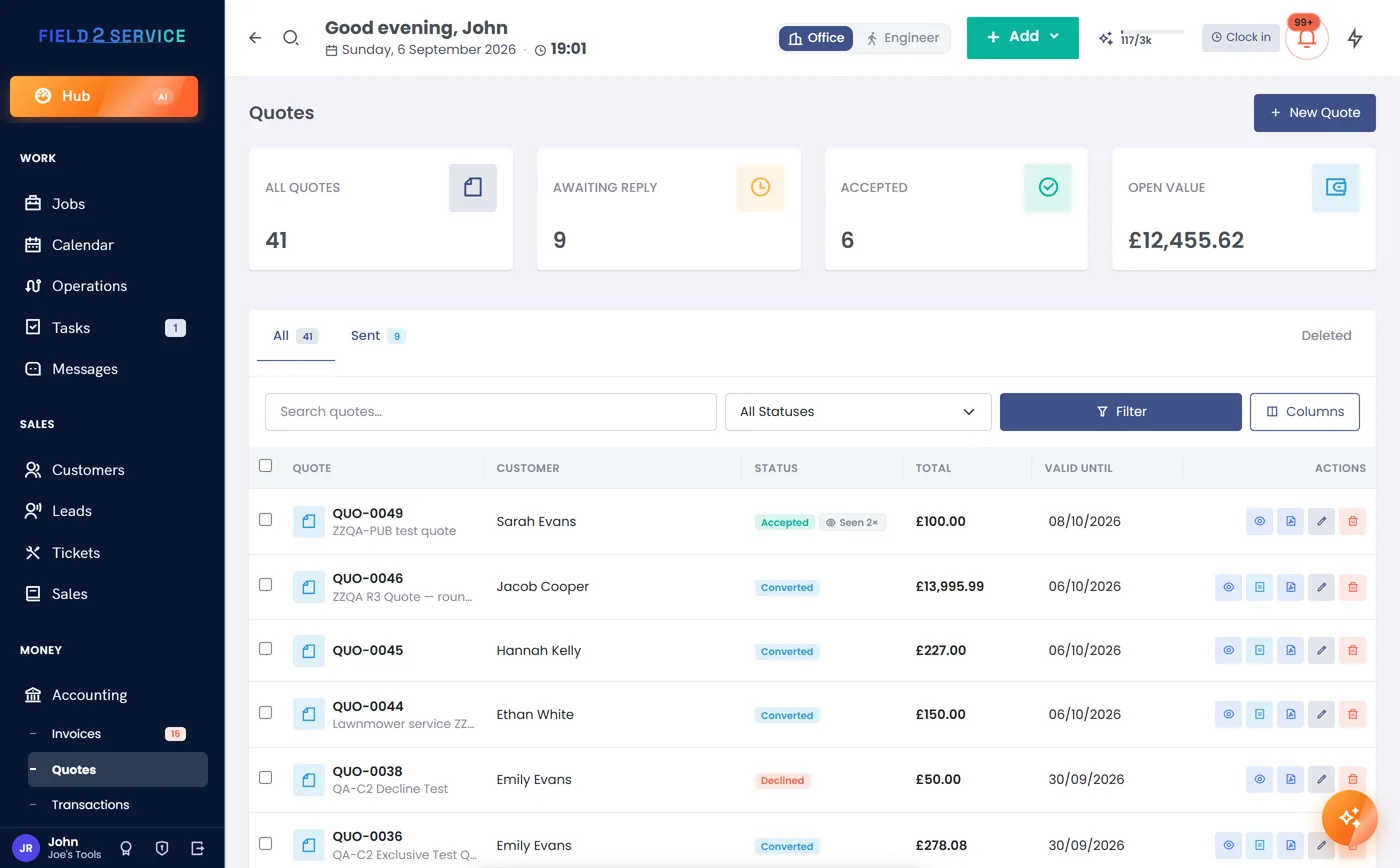
Build the quote straight from your price book (Essentials and up) — slabs or block paving by the square metre, sub-base, edgings, wall blocks, capping and labour, line by line. Take a deposit on the job before you order a pallet of stone so your cash isn't funding someone's garden, and let the customer accept online. The accepted quote becomes the job with nothing re-typed.
- Price book per m² for paving, walling and aggregate
- Deposits collected up front on the job and applied automatically
- Online acceptance with expiry tracking on every quote
Block out a week-long build without blocking the diary
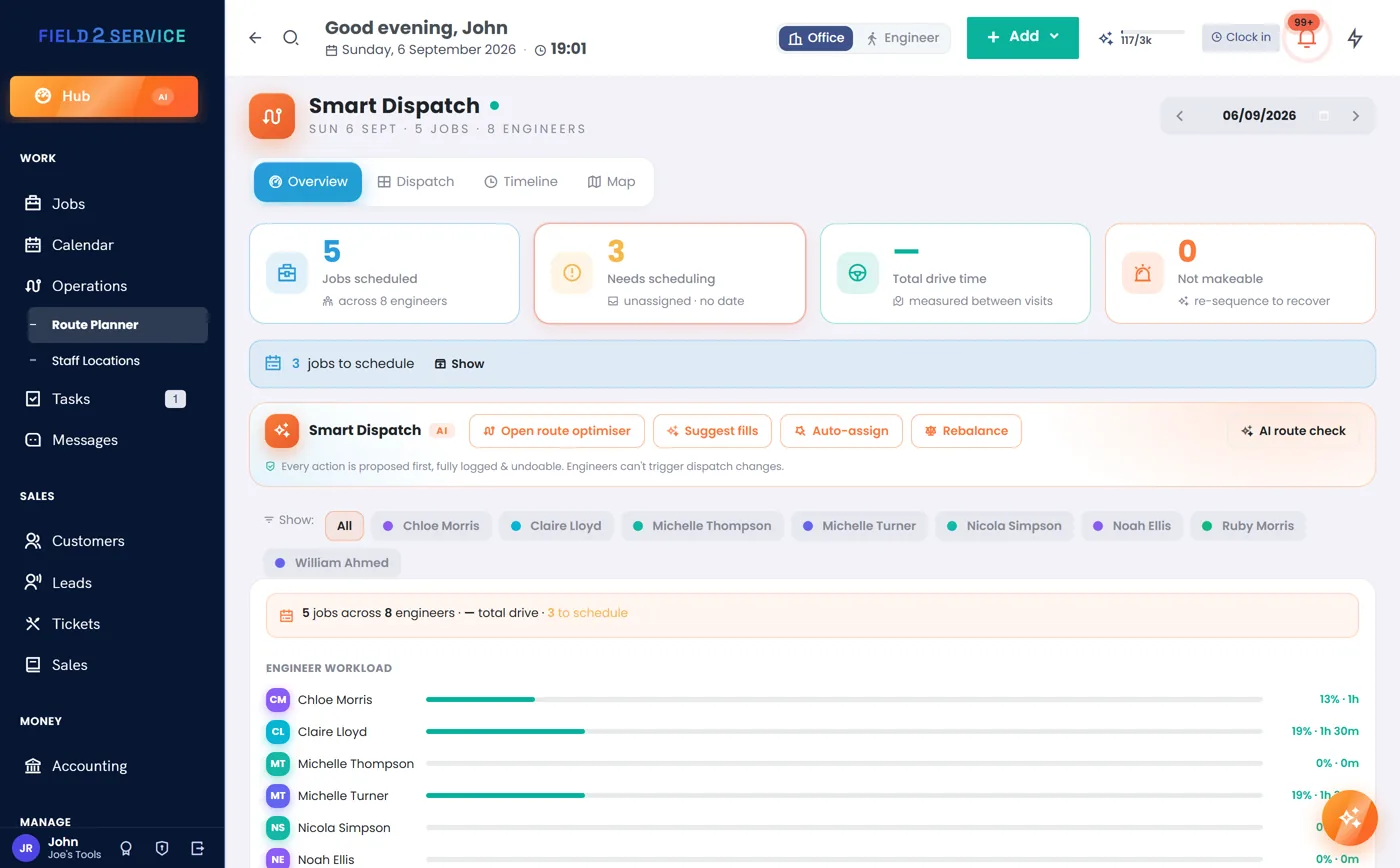
A patio and wall is rarely a one-day job — excavation, base, walls, laying, pointing. Lay the whole build across the calendar, assign the crew on the drag-and-drop dispatch board (Professional and up), and see at a glance what's running where. If the ground works run long or the weather turns, drag the rest of the build to the next dry day.
- Multi-day jobs span the calendar cleanly
- Assign crews on the Smart Dispatch board
- Double-booking checks stop two jobs on one crew
Checklists on the phone, signature before you leave
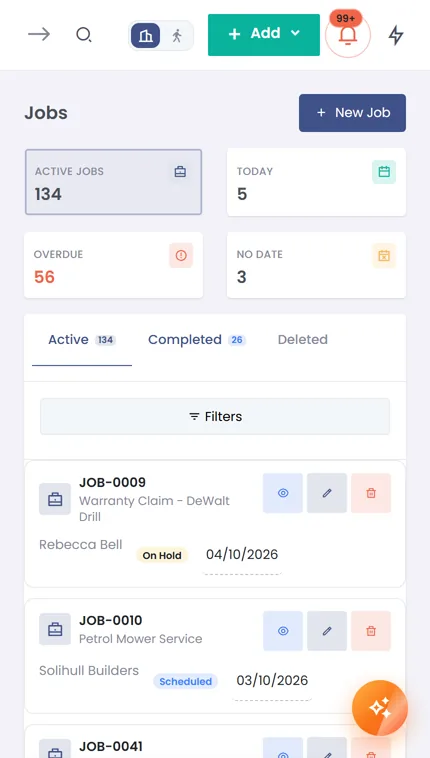
Give the crew the build as a checklist (Essentials and up) — dig to depth, base compacted, membrane down, walls level, flags laid, joints pointed, site cleared — so nothing's missed on handover day. Capture before-and-after photos and the customer's signature on a signed completion sheet on site, and the field view runs in any phone browser, so there's no app to install.
- Job checklists from excavation to pointing
- Signed completion sheets with before-and-after photos
- Field view in any phone browser — no app to install
Cash in as the build goes on, not weeks after
You've already banked the deposit before the first slab, and you can record further payments on account as the build hits the base and the walls — so you're not bankrolling a fortnight of labour. On handover, tap complete and send a VAT-smart invoice with a card link (Essentials and up; connect your own Stripe or PayPal); everything paid on account nets off automatically, and if you're not VAT-registered it's one clean price.
- Deposit up front, then payments on account as you go
- Account credit draws down against the final invoice
- Card payment links via Stripe or PayPal (Essentials and up; connect your own Stripe or PayPal), VAT-smart

Know the margin before you price the next one
Big builds swallow big material spend, so log the aggregate, stone and skip hire against the job (Professional and up) and watch the cost against the quote (Professional and up). The reports tot up revenue, aged debtors and a VAT summary without a spreadsheet, and you can ask the AI assistant a plain question about your own figures — every action it offers is confirm-first and reversible.
- Expense and job-cost tracking against each build
- Revenue, aged-debtors and VAT-summary reports
- Ask the AI assistant about your own numbers — confirm-first

Built-ins hardscapers lean on
Put your patio builds on programme
Try Field 2 Service free for 14 days — quote a build, take a job deposit, invoice from site. No credit card required.
Get startedOr see the other trades we're built for.