
Junk booked and gone the same day
Field 2 Service takes a junk-removal job from an office-approved booking request (Professional and up) or a quote by the load, drops it onto today's board (Professional and up), captures the before-and-after on site and takes card payment on the spot (Essentials and up; connect your own Stripe or PayPal).
✓ No card required · ✓ Invoiced by bank transfer

Sound like your day?
Same-day calls, prices by the van-load, and cash you want in before you pull off the drive.
Same-day, and already full
A house-clearout call wants you there this afternoon, and squeezing it in without dropping a booked job means juggling the whole day in your head.
Guessing the load, guessing the price
You quote a garage clearout over the phone, turn up to twice the junk and a sofa that needs two of you — and the number you gave no longer covers the tip fee.
Paid before you leave, or chased for weeks
Cash and 'I'll bank-transfer you later' means half the day's takings are still owed a fortnight on, with no clear list of who.
Take booking requests and quotes by the load
Put your load sizes on a booking page (Professional and up) that collects up to three preferred dates and times — quarter, half, full van or Luton — then sends the request to your Hub for office approval. Send a quick quote by the load with add-ons for heavy items and white goods, accepted online before you roll.
- Booking requests with preferred times
- Quotes by the load, accepted online
- Add-ons for heavy items and white goods
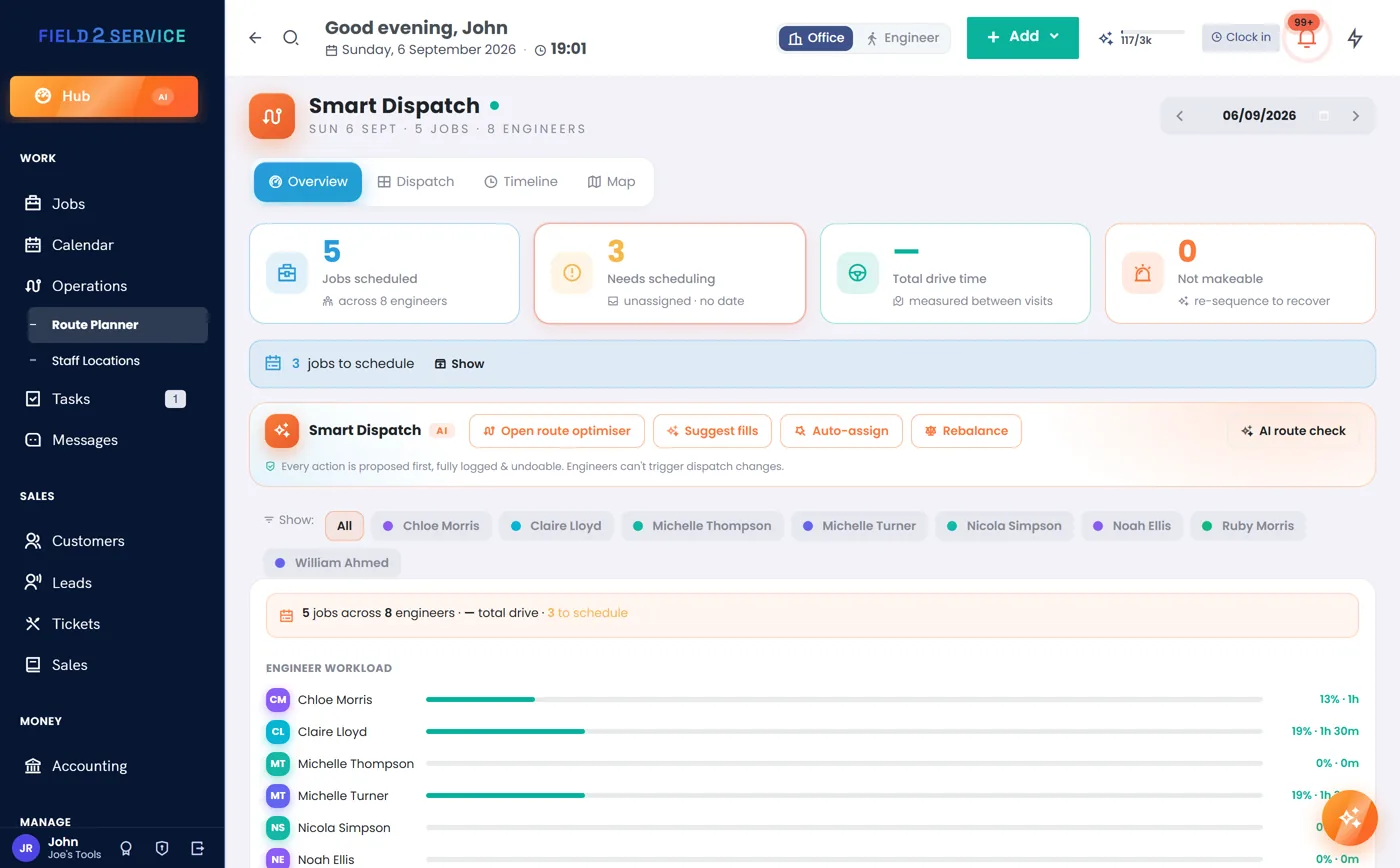
Drop a same-day job straight onto the board
Approved requests and calls land on the dispatch board (Professional and up), so you can slot a same-day job in and see at a glance what it clashes with. The day optimiser (Professional and up) puts your stops and the tip run in a sensible order, and the conflict check stops you promising the van twice.
- Same-day jobs dropped onto the drag-and-drop board
- Day optimiser orders your stops and the tip run
- Double-booking conflict checks on the van
Prove the clear with before-and-after
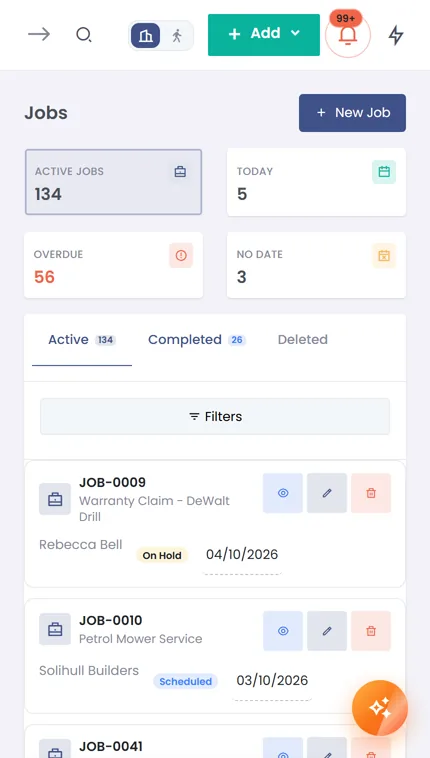
Capture a signed completion sheet on site with the before-and-after, noting what was taken and anything left by request. It files as a branded PDF against the customer, so there's no 'you left a mess' comeback. The field view runs in any phone browser — nothing to install.
- Signed sheets with before-and-after photos
- What was taken noted on the record
- Field view in any phone browser — no app to install
Put commercial clears on repeat
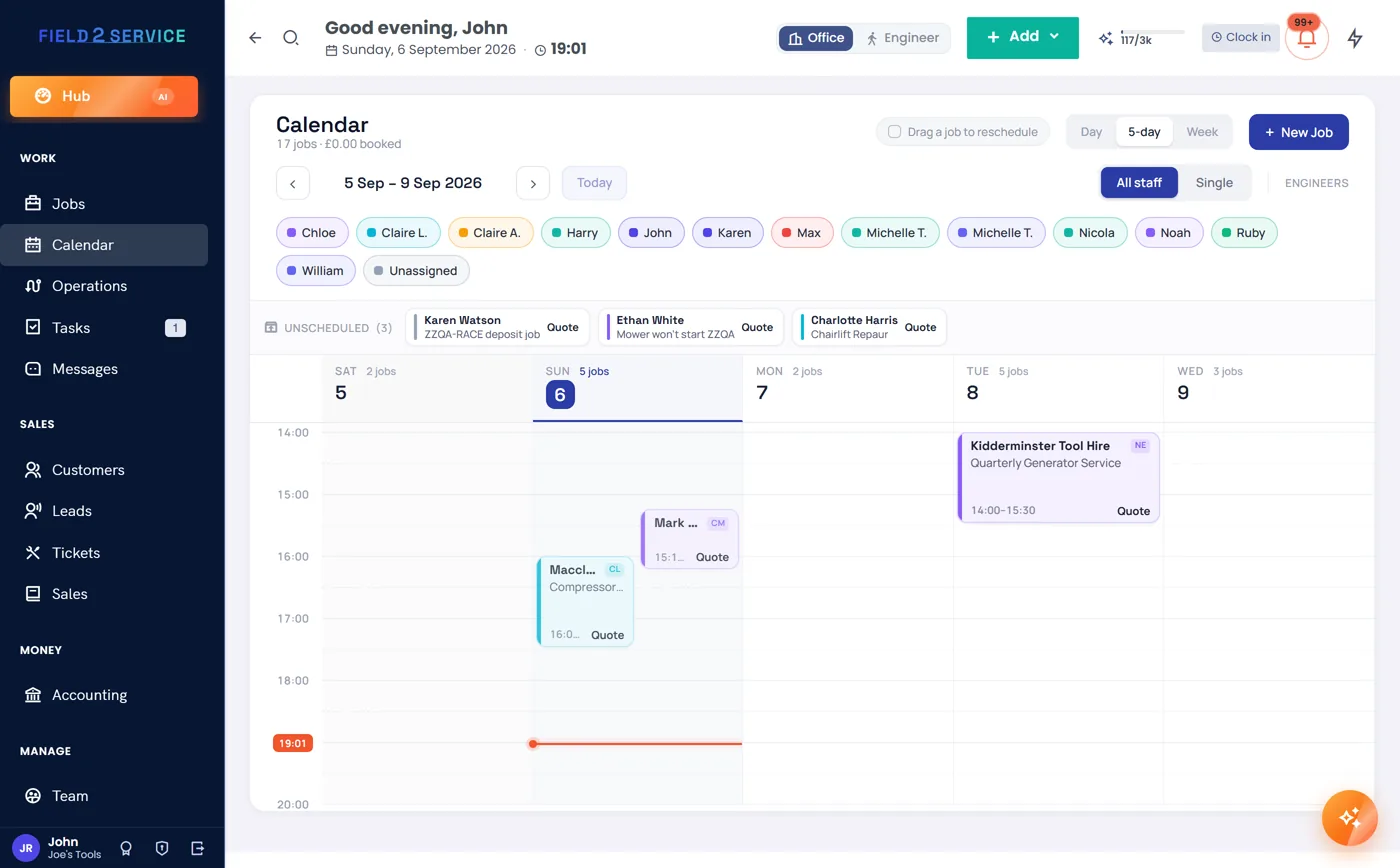
Set offices, letting agents and landlords up on recurring jobs and contracts (Essentials and up) so regular clears reappear on the calendar automatically. Keep each as a multi-site customer with per-site access, parking and loading notes, so the crew reaches the right door every time.
- Recurring jobs & contracts for regular clears
- Multi-site commercial accounts
- Per-site access, parking and loading notes
Take card on the spot, chase the accounts
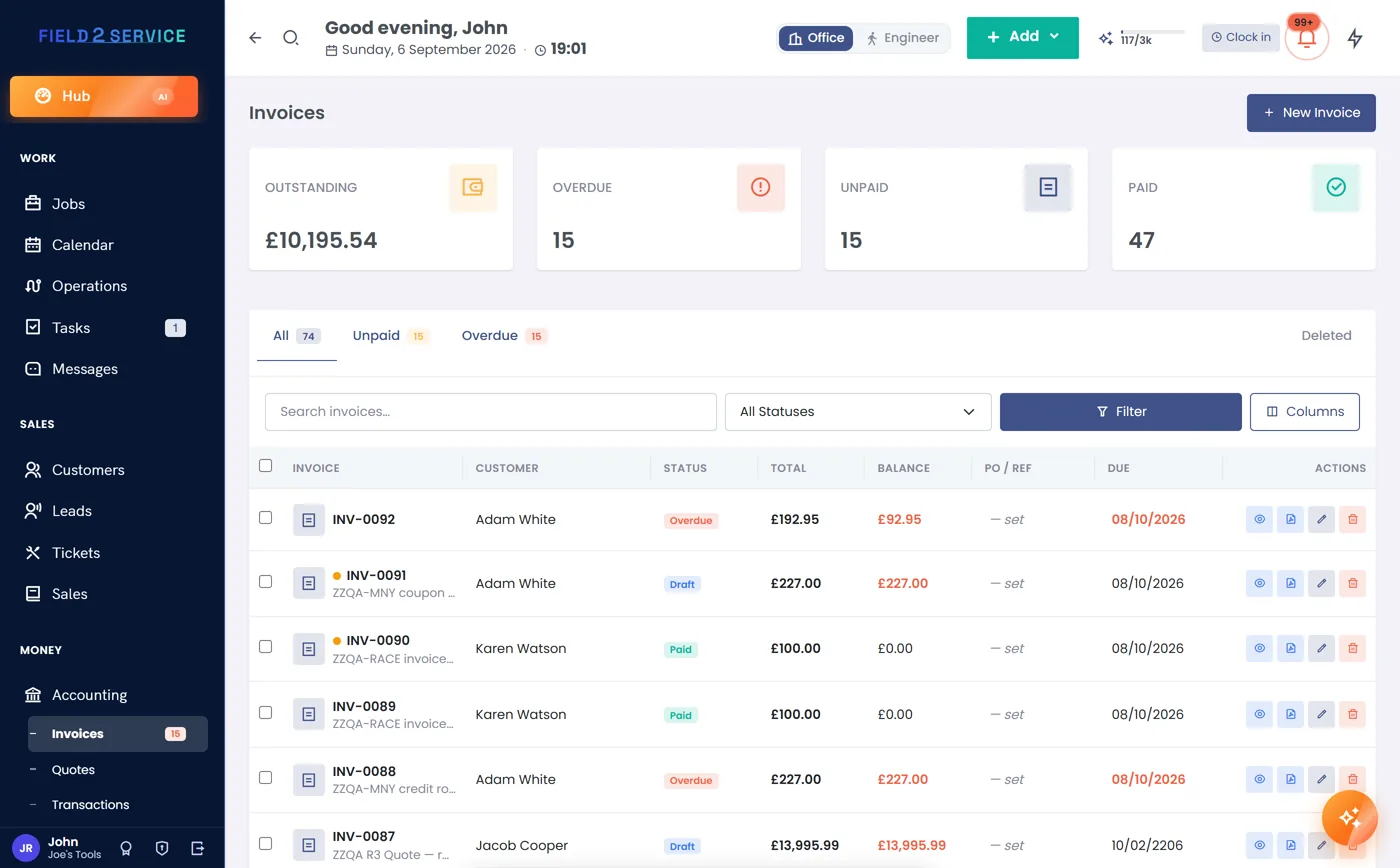
Send an invoice with a card link (Essentials and up; connect your own Stripe or PayPal) so a customer pays there and then — VAT handled per line, or one clean 'Price' if you're not registered. For commercial accounts on terms, automatic overdue reminders and an aged-debtors view show exactly who still owes you.
- Card payment links via Stripe or PayPal
- VAT-smart invoices, or one clean 'Price' if not registered
- Overdue reminders and aged-debtors view
Built-ins junk-removal crews lean on
Booked, loaded, and paid the same day
Try Field 2 Service free for 14 days — no card needed — and run every junk job from booking to before-and-after to paid.
Get startedOr see the other trades we're built for.