
Keep every tank on a service schedule
Set each tank's emptying interval once and the reminder rebooks itself. Every tank carries its own capacity, access and history, tanker jobs land on the right day, and a signed service sheet and invoice go out the moment the work's done.
✓ No card required · ✓ Invoiced by bank transfer
Sound like your year?
Septic work is scheduled empties, the right tank details on arrival and a tanker booked to match — a notebook diary drops all three.
An empty that slipped the diary
Tanks need emptying on a cycle — every six months, every year — and a reminder living in a notebook gets missed until the customer's system backs up.
Wrong tank, wrong access
Turn up not knowing the tank's capacity, where the lid is or whether the tanker can even reach it, and you've made a wasted trip on a job that needed planning.
Service sheets and invoices pile up
Paper service dockets and 'I'll invoice it later' means unsigned proof and unpaid work stacking up until the paperwork buries a Sunday.
Empties that book themselves, every cycle
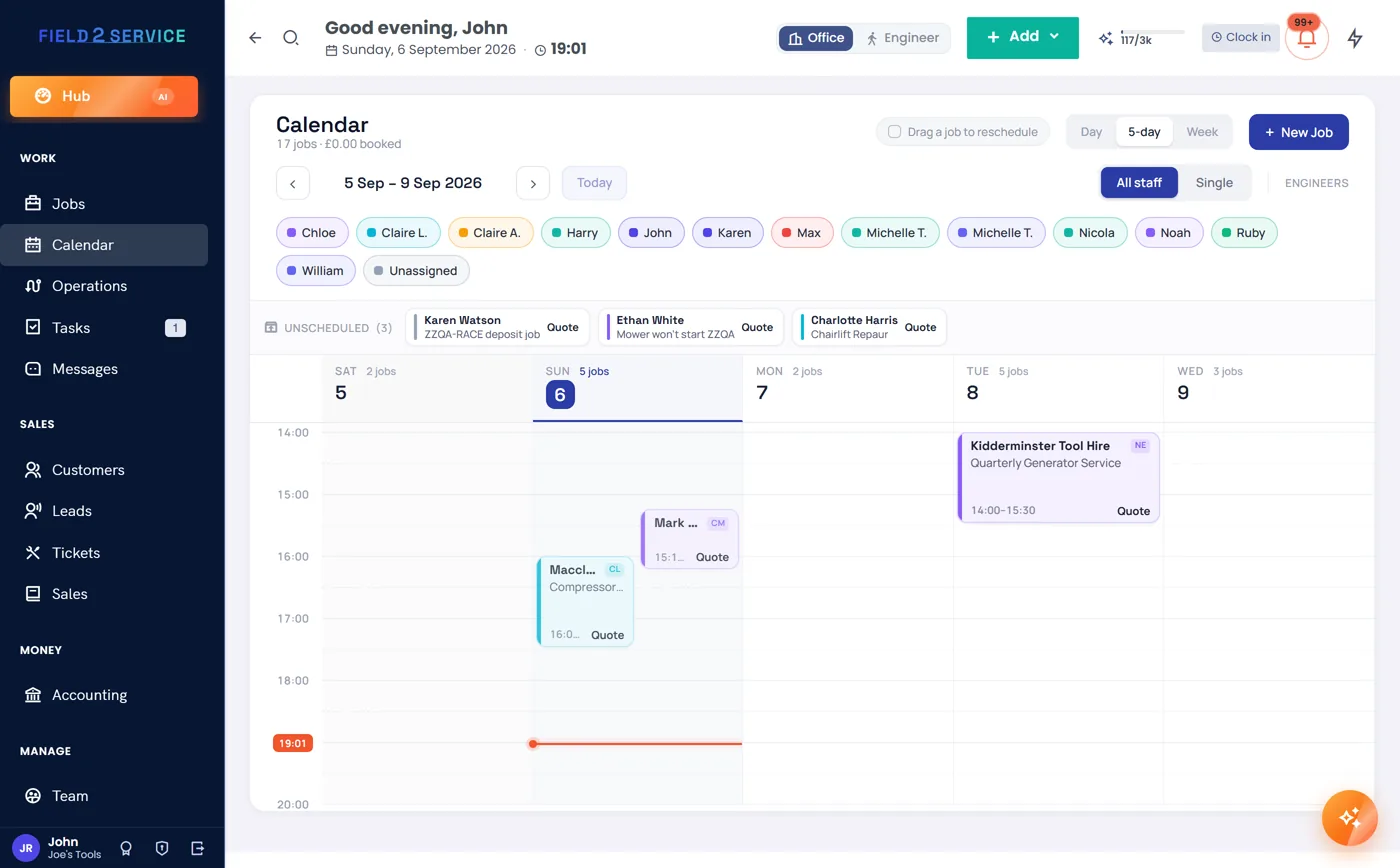
Put each tank on its emptying interval — six-monthly, annual, whatever the system needs — and the job regenerates itself at the right time. Recurring jobs and service contracts keep the whole book on schedule, the daily briefing lists what's due this week, and an 'on my way' text goes out before the tanker arrives.
- Recurring empties and service contracts
- Daily briefing lists every tank due
- 'On my way' texts before the tanker arrives
Every tank's details on file before you set off
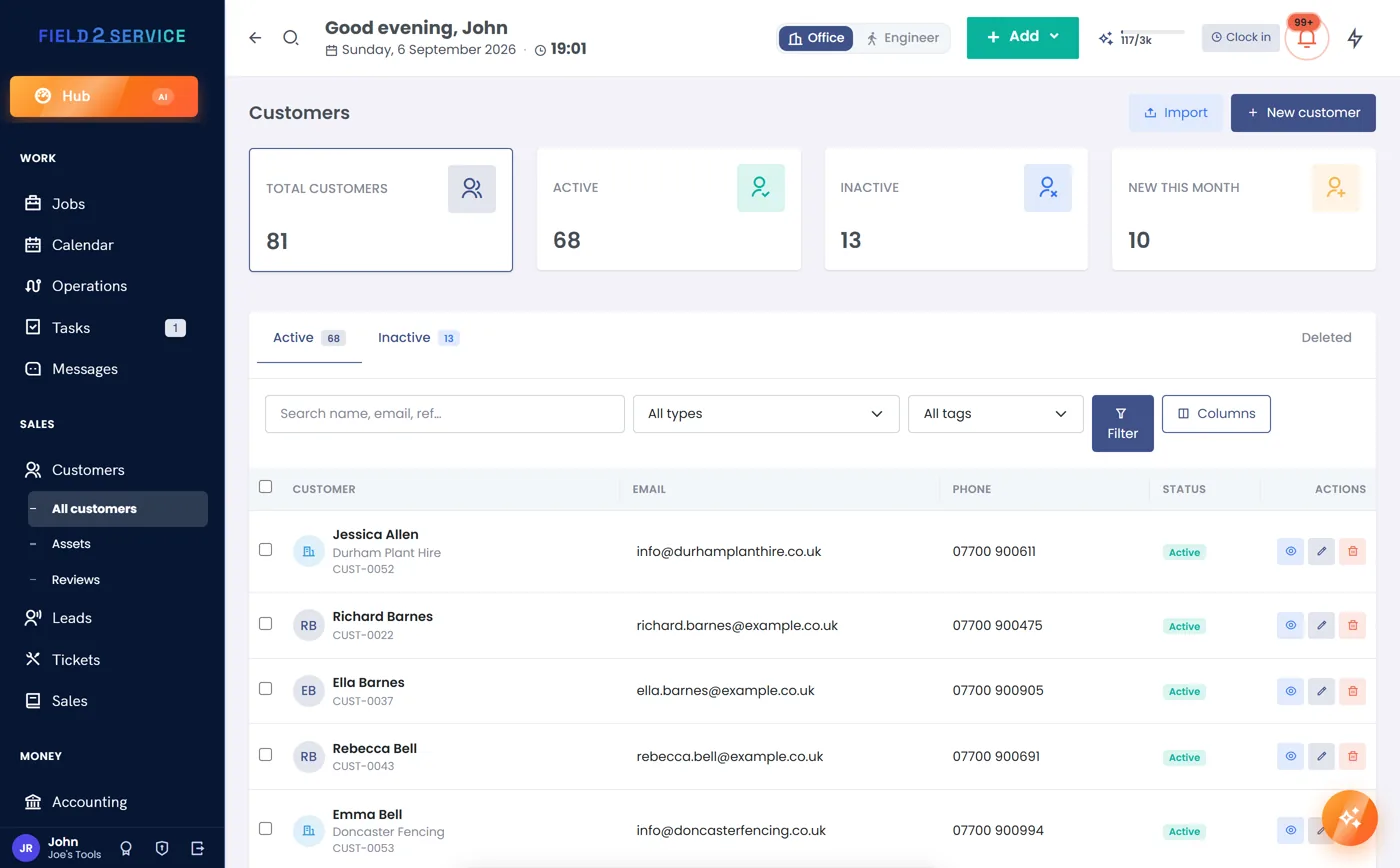
Keep each tank in the asset register with its own service history — capacity, type, where the lid is, tanker access and the notes from every visit. Multi-site customers like estates and agents hold every tank in one account, each with its own access notes, so nothing's a surprise on arrival.
- Asset register with a service history per tank
- Capacity, access and lid location logged
- Multi-site customers with a tank per property
Get the tanker to the right job, in the right order
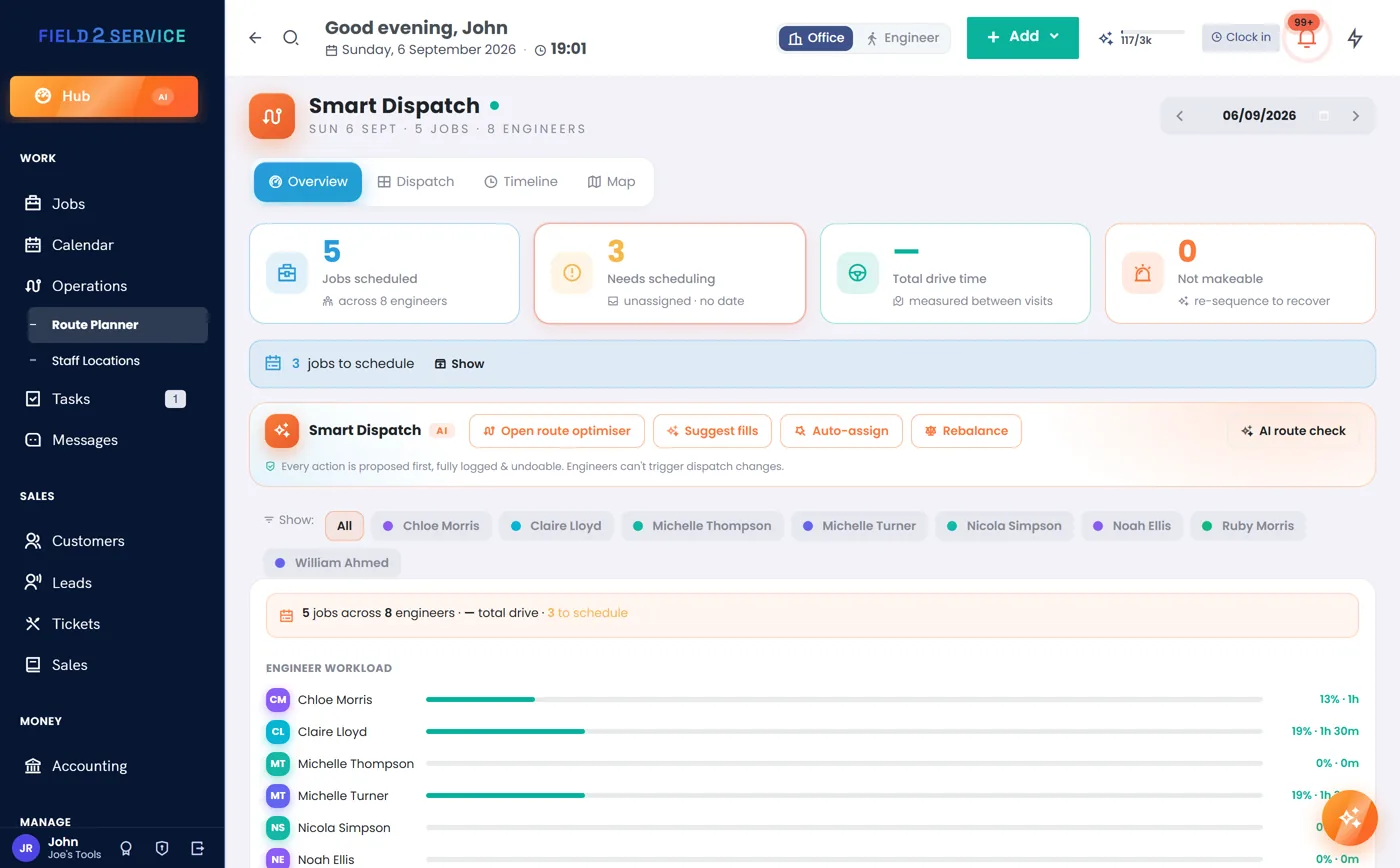
Drop each empty onto the dispatch board and the day optimiser puts the jobs in a sensible driving order, so a full tanker isn't crossing the county twice. The board checks for double-bookings before a job lands and shows the whole day at a glance.
- Drag-and-drop board with double-booking checks
- Day optimiser routes the tanker's round
- The whole day's empties at a glance
A signed service sheet, captured on site
Work the service down a job checklist and capture a signed sheet on site as proof the tank was emptied and inspected. It's on the property's record and the customer's portal straight away — no paper docket to lose on the way back to the yard.
- Job checklists for the empty and inspection
- Signed completion sheets captured on site
- Straight onto the record and the portal
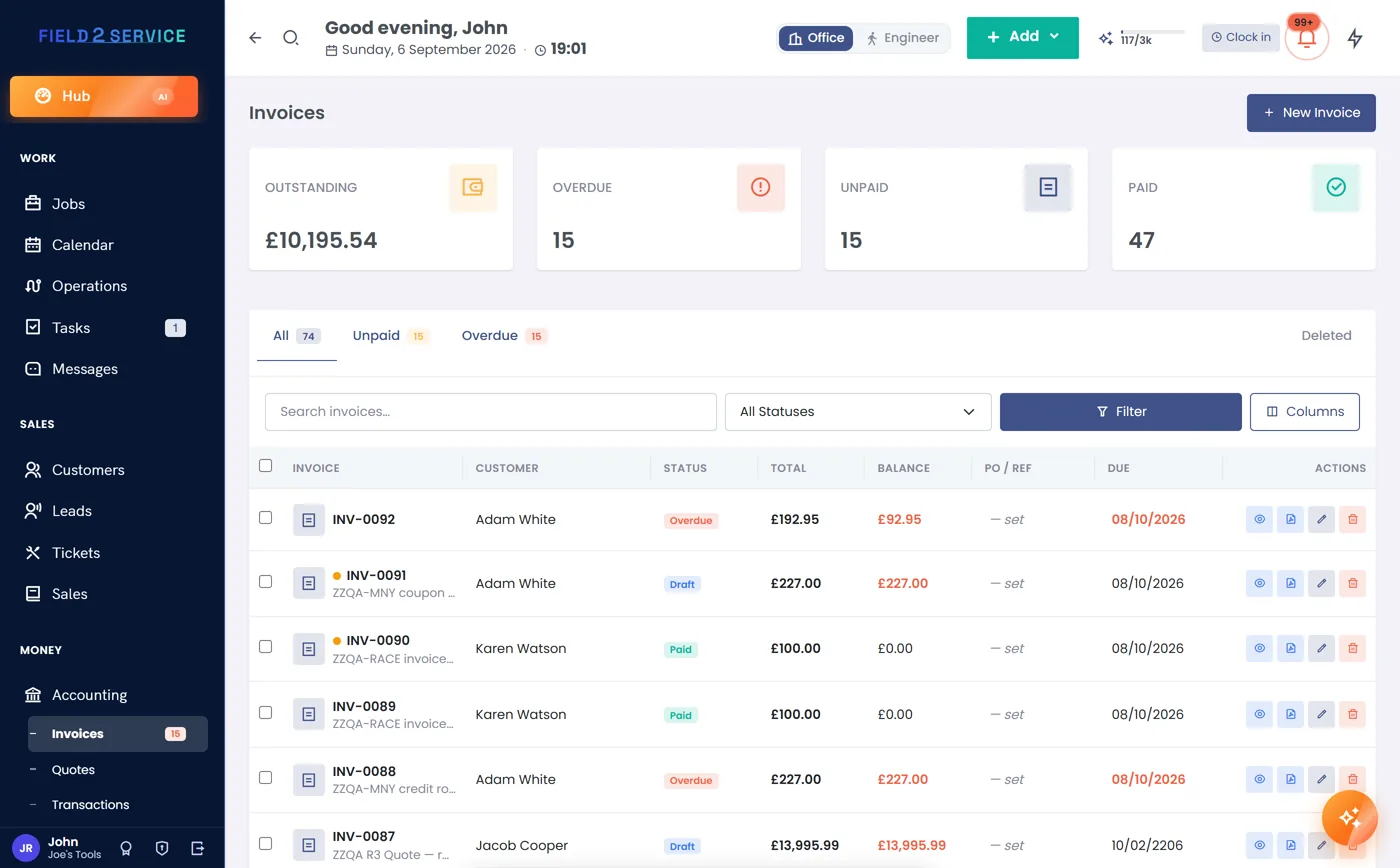
Tank done, invoice already sent
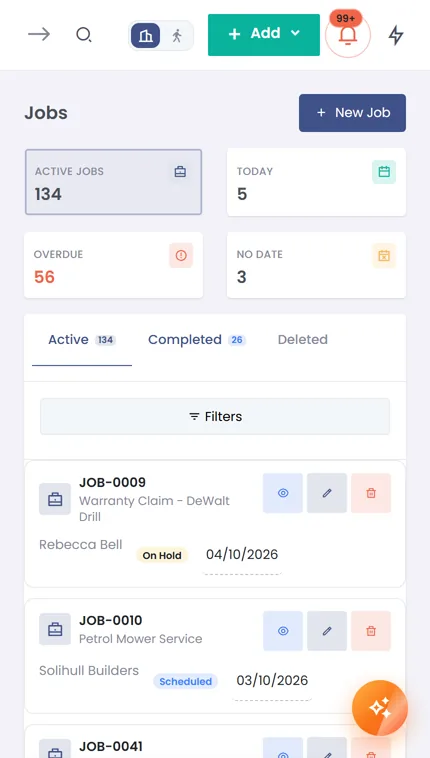
Finish the job, tap complete and a VAT-smart invoice with a card link goes out automatically — inclusive or exclusive, or one clean 'Price' if you're not registered. Overdue reminders chase the slow payers and the aged-debtors view shows who's behind across the book.
- Automatic invoice with a card link per job
- VAT-smart, or a single clean Price if not registered
- Overdue reminders and an aged-debtors view
Built-ins septic crews lean on
Keep every tank on schedule and every sheet signed
Try Field 2 Service free for 14 days — set an emptying schedule, log a tank, send a signed sheet and a card-link invoice. No credit card required.
Get startedOr see the other trades we're built for.