
From the survey to the last log
Survey the tree, quote the works and let the customer accept online. Then take a deposit on the job, put the right crew on the board (Professional and up) with tickets checked (Essentials and up), sign the job off on site and invoice by card (Essentials and up; connect your own Stripe or PayPal).
✓ No card required · ✓ Invoiced by bank transfer
Sound like your day?
Arb work is priced on site, done by ticketed crews and often booked weeks out — plenty of room for it to go sideways.
Quoted on a business card
You price a crown reduction and a takedown at the gate, scribble it down, and half of them never firm up because the number never turned into a proper quote.
Wrong ticket up the tree
Sending someone without the right chainsaw or aerial-rescue qualification isn't a risk worth taking — but on a busy board it's an easy mistake to make.
Booked weeks out, then forgotten
Big fells get booked a month ahead. Between now and then the deposit, the access notes and the date all live in three different places.
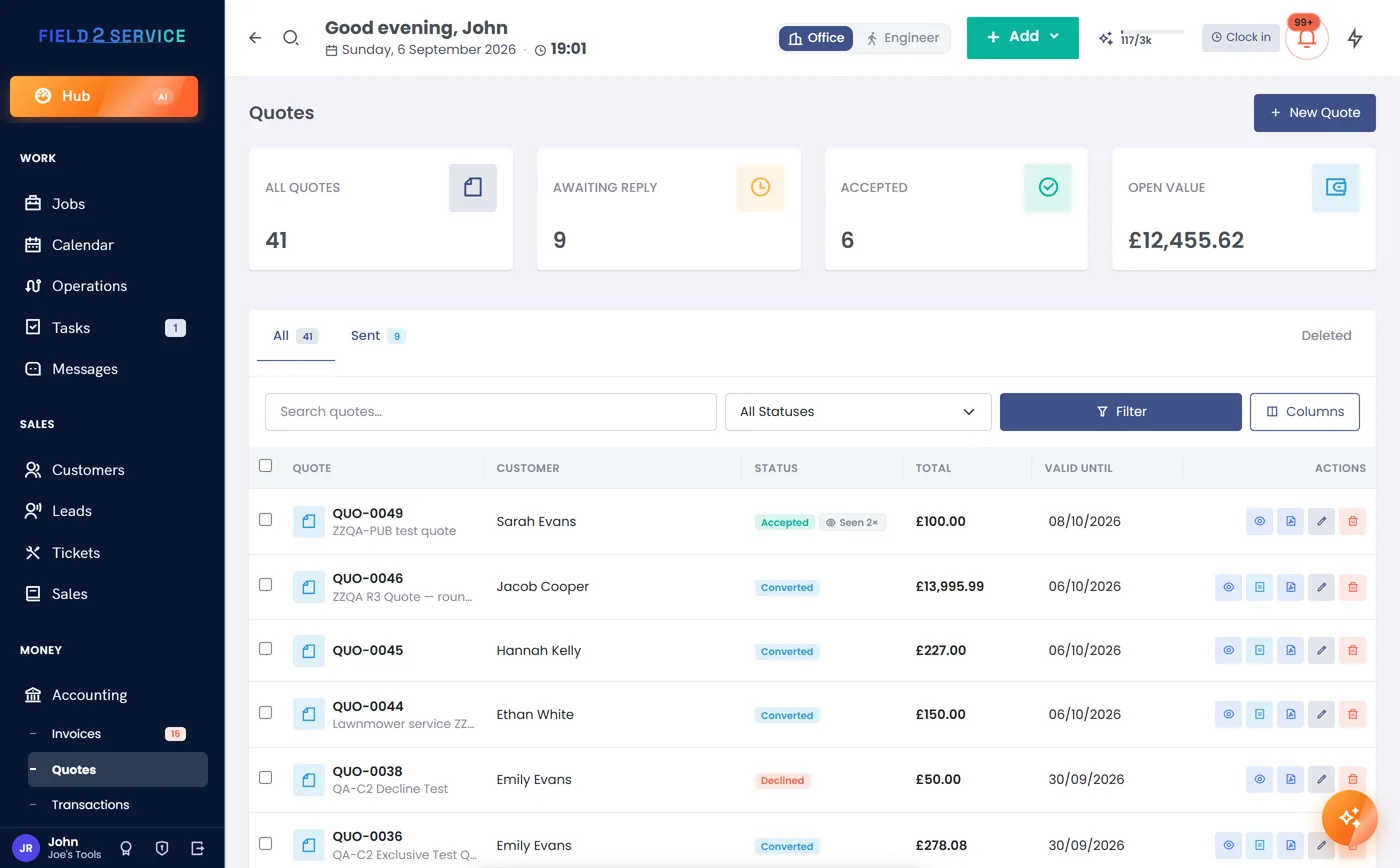
Quote the works, get it accepted, take a deposit on the job
Build the quote from your price book (Essentials and up) — reductions, takedowns, stumps, access and clearance — and send it for the customer to accept online. The accepted quote becomes a booked job with nothing re-keyed, and you take a deposit on the job before the crew and kit are committed.
- Price book for reductions, takedowns and clearance
- Up-front deposit on the job, recorded up front
- Online acceptance turns the quote straight into a job
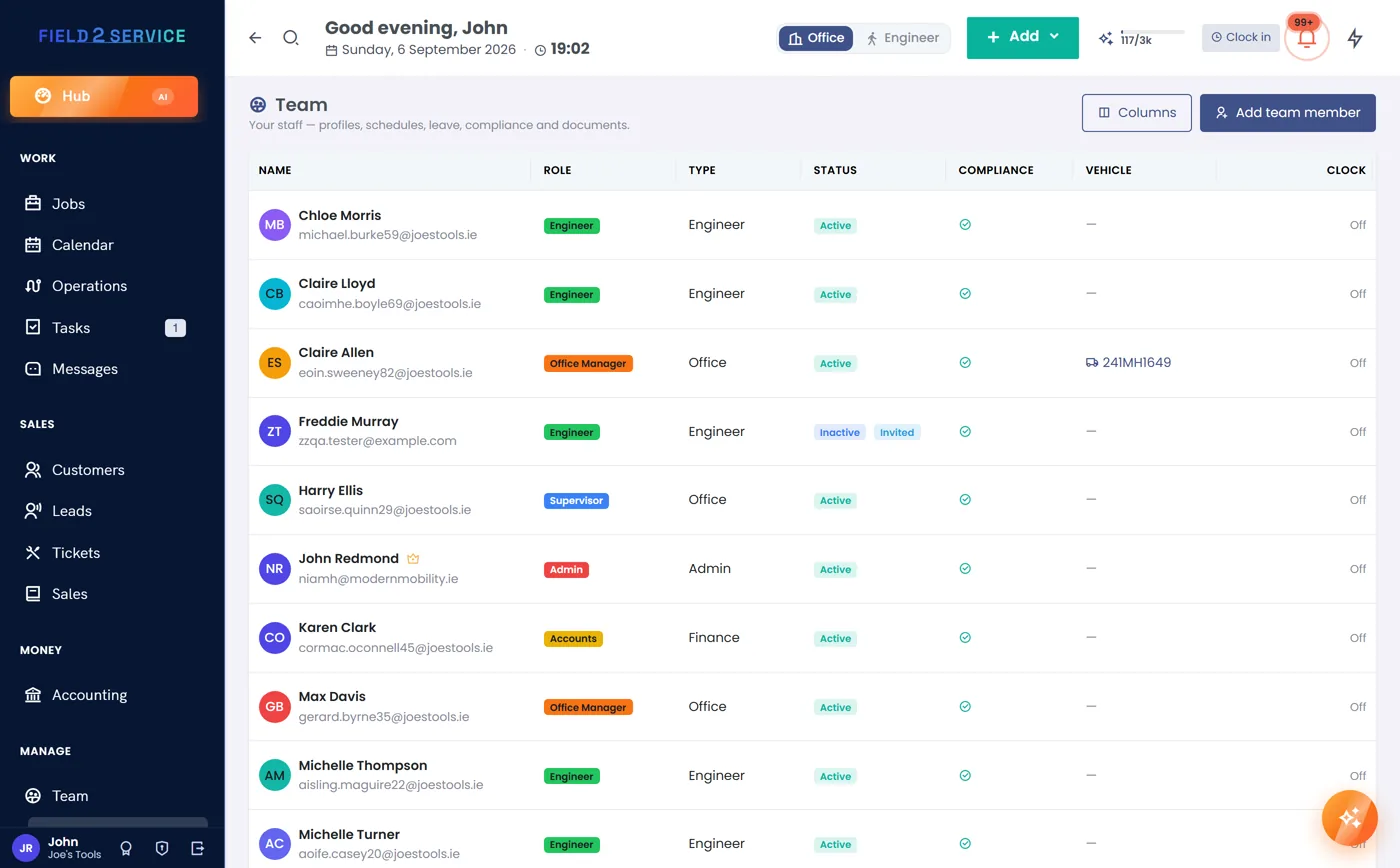
Chainsaw and arb tickets tracked, lapsed cards blocked (Essentials and up)
Keep every climber and groundie's tickets — CS30/CS31, aerial rescue, first aid — in one register with expiry alerts weeks out. Where a job needs the qualification, the dispatch guard stops you assigning anyone whose card has lapsed, so the wrong ticket never goes up the tree.
- Certification register with expiry alerts
- Dispatch guard blocks a lapsed or missing ticket
- Weeks of notice before a qualification expires
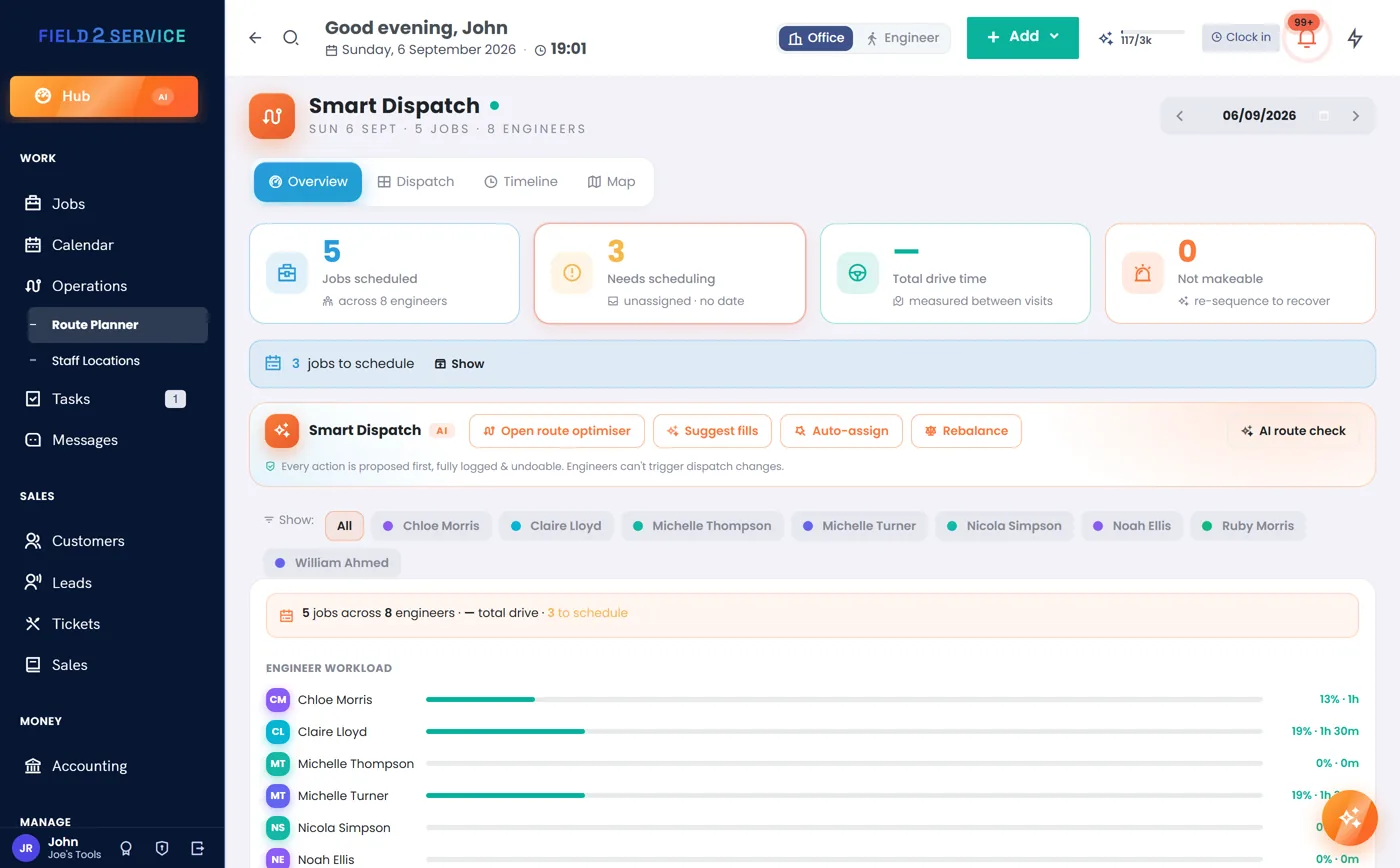
Book the crew and keep the day straight
Drop each job onto the drag-and-drop board (Professional and up) and shuffle it if the weather or an emergency moves it. The double-booking check keeps a crew from being promised twice, and an 'on my way' text (Essentials and up, via your own Twilio account) tells the customer you're rolling so the drive's clear and the gate's open.
- Crews on a drag-and-drop dispatch board
- Double-booking conflict checks
- 'On my way' texts before the crew arrives
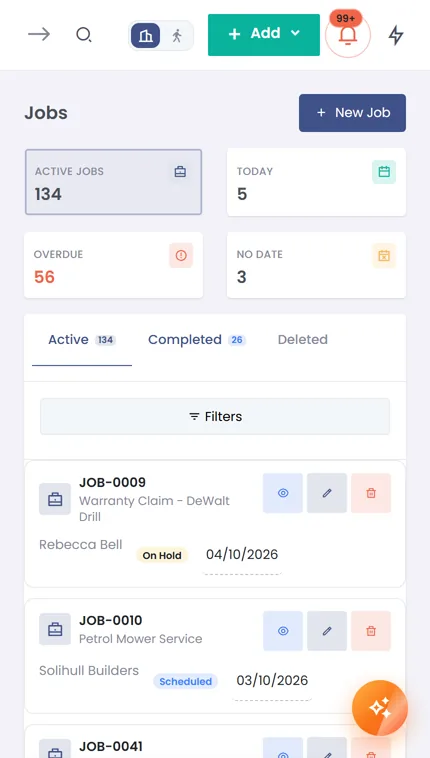
Sign it off and file it to the site's history
Work through the checklist (Essentials and up) — target cuts, cleared, chipped, site left tidy — and capture the customer's signature on the completion sheet, straight from the phone browser with no app to install. It's filed against the site record, which keeps the full history of every tree you've worked and the access notes for next time.
- Job checklist and signed completion sheet on site
- The field view runs in any phone browser — no app to install
- Filed to a per-site history with access notes
Card-link invoice, chased for you
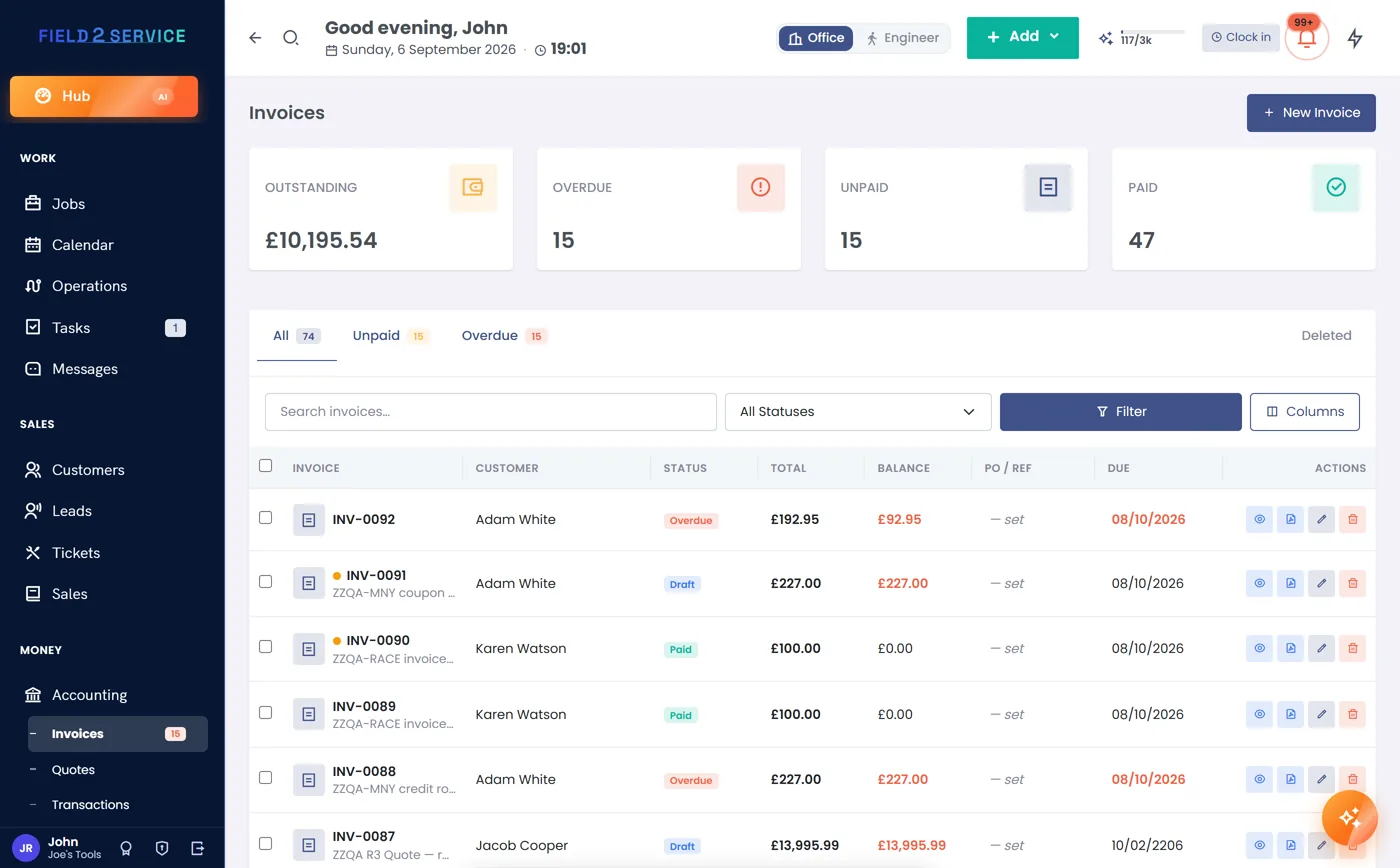
Job done, tap complete, send a VAT-smart invoice with a card-payment link (Essentials and up; connect your own Stripe or PayPal) and the deposit already knocked off. Not VAT-registered? It's one clean 'Price'. Overdue reminders chase the slow ones and the aged-debtors view shows exactly who still owes across every job.
- Card payment links via Stripe or PayPal
- VAT-smart invoices — or a single clean Price if not registered
- Automatic overdue reminders and an aged-debtors view
Built-ins arborists lean on
Every job ticketed, quoted and collected
Try Field 2 Service free for 14 days — quote a takedown, take a job deposit, load your tickets (Essentials and up), book the crew (Professional and up). No credit card required.
Get startedOr see the other trades we're built for.